

Python/JS Apps
The powerful, flexible way to build Keboola apps — any Python or JavaScript framework, full control over the interface, and a server-side backend that can even expose an API for agents.
Python/JS apps are the full-control way to build on Keboola. Where Streamlit gives you a quick, ready-made Python environment, Python/JS apps let you bring your own code — any Python web framework (Flask, FastAPI, Dash), a JavaScript frontend (React, Vue, plain JS), or both together. You build the experience; Keboola handles the hosting, access control, and data connectivity.
Why choose Python/JS
Section titled “Why choose Python/JS”- Any framework, any UI. Full control over look, layout, and interactivity — not limited to a widget set. Build a polished, customer-facing product, not just an internal tool.
- Full-stack. A JavaScript/React frontend with a server-side backend (for example, an Express or FastAPI API) in one app.
- Server-side data access. Your Storage token stays on the server; the browser never sees it. Query Keboola Storage (via the Query Service / Storage API) from your backend and shape exactly the data your UI needs.
- Expose an API — or an MCP server. Because there’s a real backend, the app can expose an API (or an MCP server) so another agent or service can call it, not just human visitors.
- Your Git workflow. Develop in your own editor and Git account and sync the app to your project — production-grade, versioned development.
Python/JS or Streamlit?
Section titled “Python/JS or Streamlit?”- Reach for Python/JS when you want a rich or customer-facing app, a custom frontend, a backend/API, or full control. See below to start building.
- Reach for Streamlit when you want the fastest path for a simple internal data tool in pure Python.
For the bigger picture of how apps fit into Keboola, see What are Keboola apps.
How a Python/JS app runs
Section titled “How a Python/JS app runs”Keboola clones your repository, installs dependencies, starts your app using the process configuration you provide, and serves it behind a secure URL through an internal web server. You don’t manage servers, ports, or Docker — only your code and a small configuration folder.
Build a Python/JS app
Section titled “Build a Python/JS app”You can build one three ways:
- Build with Kai — describe it and let Kai generate the app. The fastest path. (Building Python/JS with Kai requires the Kai-in-E2B backend on your project; without it, Kai builds Streamlit. )
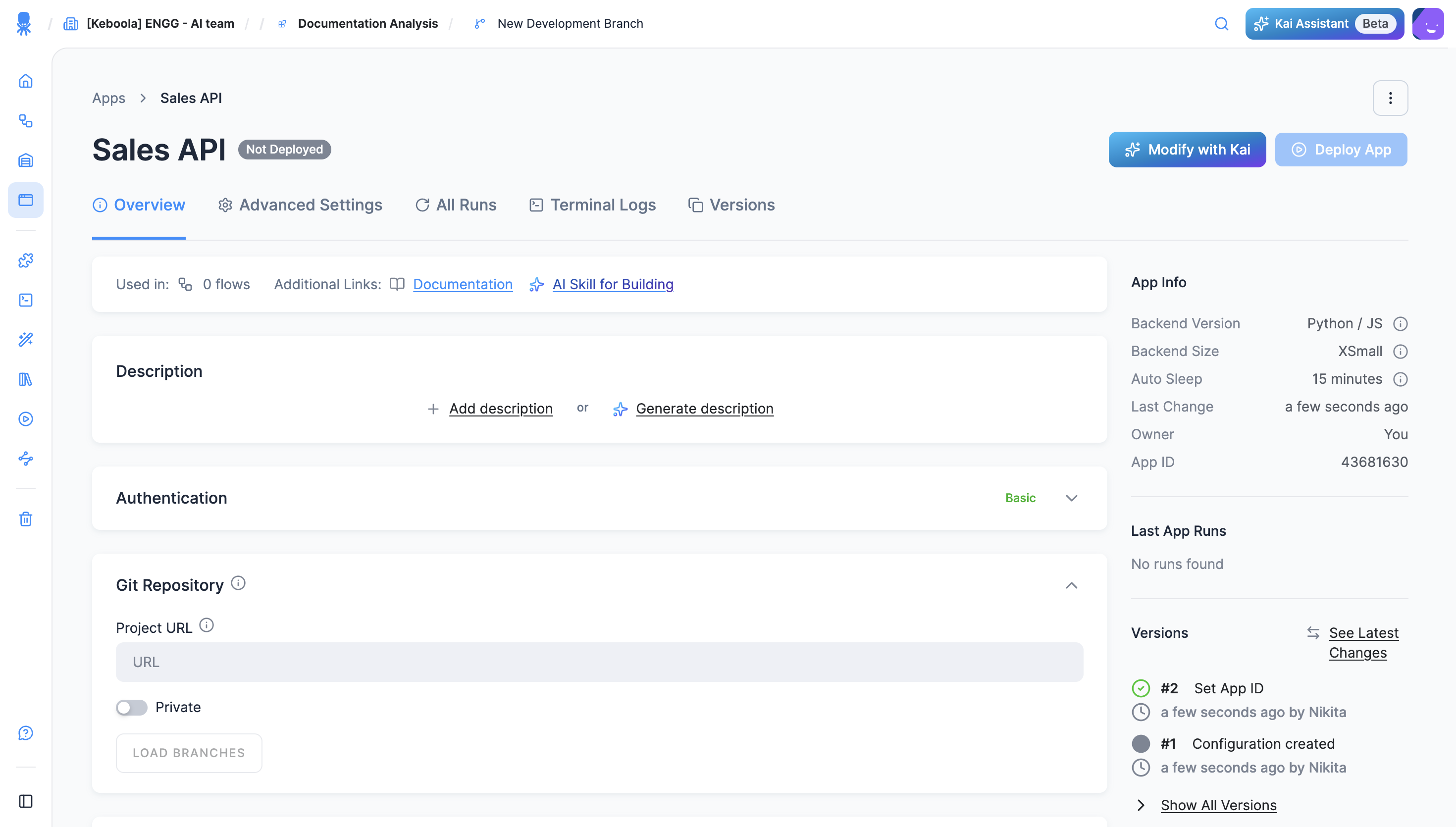
- Build in the UI — create the app from the interface and point it at a Git repository that contains your code and configuration.
- Build locally — develop with your own tools and Git account, then sync to your project. The home of full-control development.
Building it yourself? When you create a Python/JS app, Keboola offers a downloadable AI skill (for Claude Code, Cursor, or Copilot) that teaches your assistant the correct app structure, deployment config, and Keboola APIs — see Develop with an AI coding tool.
Reference
Section titled “Reference”Environment variables, the app scaffold, backend versions, and limits live in the Apps reference.